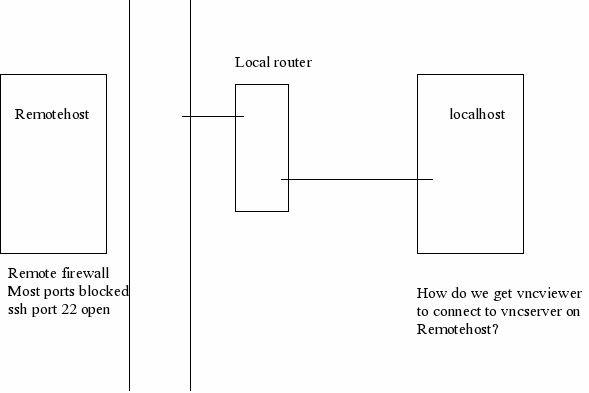
VNC through firewalls/routers
Start vncserver at an available port. Usually vncserver listens on port numbers 5900 and upwards. So, if you start vncserver on the Remotehost with
Remotehost>vncserver :50
then the server will be listening at port number 5950. Verify with netstat command.
On localhost, open an ssh session to Remotehost with:
localhost>ssh -C -g -L 5940:Remotehost:5950 Remotehost
Supply password if necessary and login.
This enables forwarding of local port 5940 to Remotehost's port 5950
Start vncviewer on localhost, port 5940
localhost>vncviewer :5950
Hopefully you should see a password prompt.